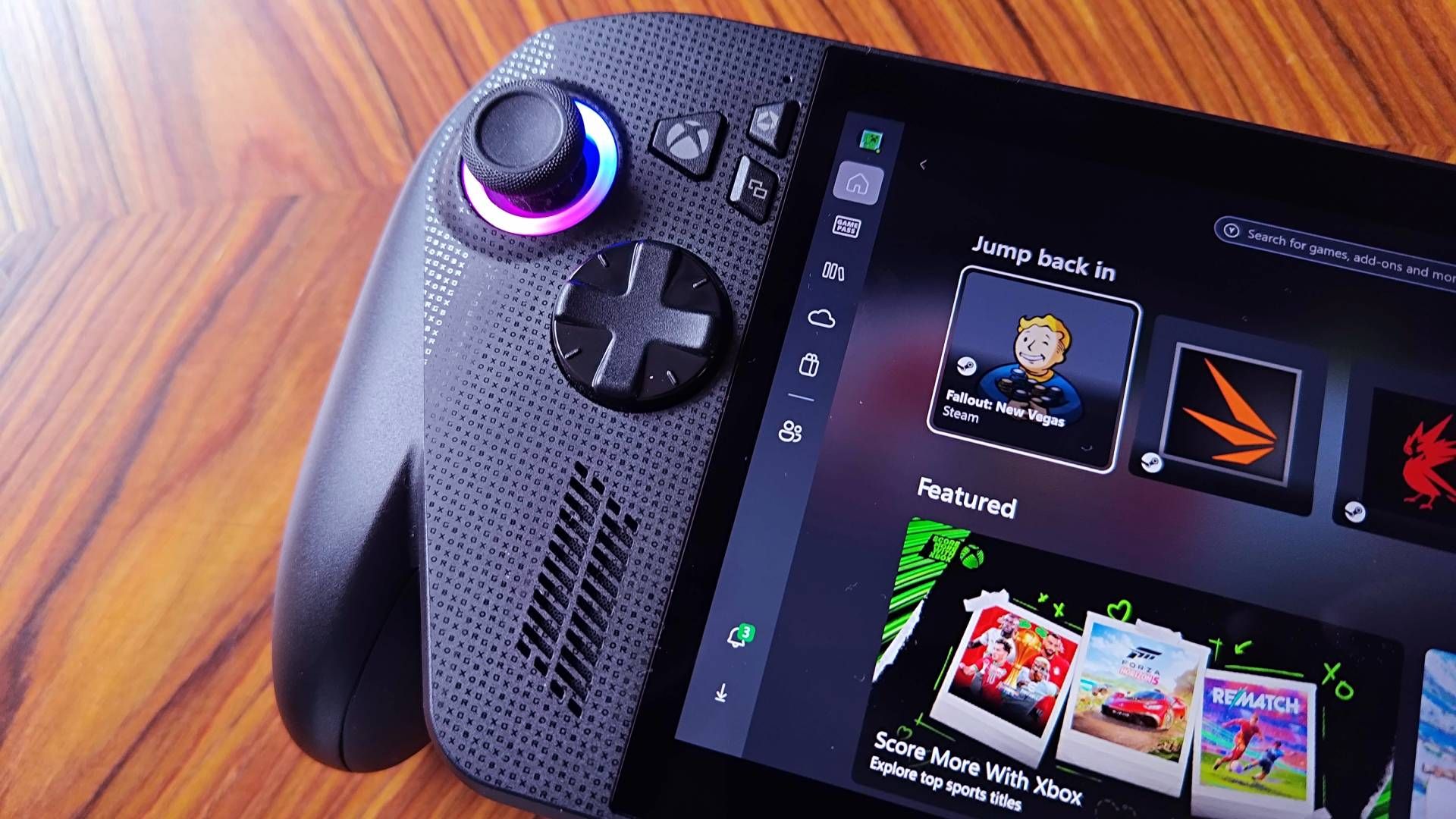

ROG Xbox Ally thumb stick mouse controls arguably should already be a thing, but the feature has just popped up for Windows Insiders. Dubbed the "Gamepad Cursor", the navigational feature seemingly turns the left stick into exactly what you'd think, arming the best gaming handheld contender with a way to navigate the desktop screens still haunting its console-like experience.
Originally highlighted by ROG Ally Life, the Xbox Ally Gamepad Cursor lives in the Game Bar and will switch left stick movements to mouse controls with a click. The feature isn't unlike the desktop mode provided by Asus' integrated Armoury Crate feature, but having tried to use it both during my ROG Xbox Ally X review and more recently, I can confirm it's too janky to use properly.

I wouldn't blame you for thinking the ROG Xbox Ally and its X sibling are more like a console than a PC. The name implies that it shares DNA with something like the Series X, and while the new Xbox Full Screen Experience provides a controller-friendly hub for accessing your library, and will initially save you from crashing on a desktop after boot, it's still a Windows 11 rig.
Unfortunately, boiling beneath the surface of the Xbox Full Screen Experience is full-blown Windows 11. Unlike with the Steam Deck OLED and Valve's SteamOS, Microsoft's current approach will send you to desktop settings menus or the App Store for updates or anything still tied to the operating system's existing options screens. Basically, find yourself leaving the comfort of the thumbsticks and buttons and reaching for the touchscreen in a bid to "click" on things using your finger, and it feels pretty janky.
That's exactly what the new Gamepad Cursor toggle aims to address, and since it's sitting within the Xbox Game Bar's settings option as a toggle switch, switching back and forth shouldn't be too disruptive. I should also stress I'm glad the feature is finally available to members of the Insider Program (make sure you're signed up to check it out early), but I ultimately think we need a proper alternative to Windows 11.

Whether we end up with a more console-like ROG Xbox Ally experience eventually off the back of Windows 12 remains to be seen. For what it's worth, features like the Full Screen Experience do make the handheld more pleasant to use, and functions like the recent Game Bar Display widget and this new mouse mode build on what is already a good gaming UI.
Simply put, I want to see the Xbox Ally evolve into a proper Xbox device rather than a desktop machine with controller workarounds, and I'm hoping the Gamepad Cursor isn't just the latter.
- More gaming handhelds at Best Buy
- Steam Deck accessories at Amazon
Already got Valve's handheld? Swing by the best Steam Deck accessories and best Steam Deck docks for ways to transform the portable into a hybrid powerhouse.

You must confirm your public display name before commenting
Please logout and then login again, you will then be prompted to enter your display name.